
Features
Tickets and Tasks.
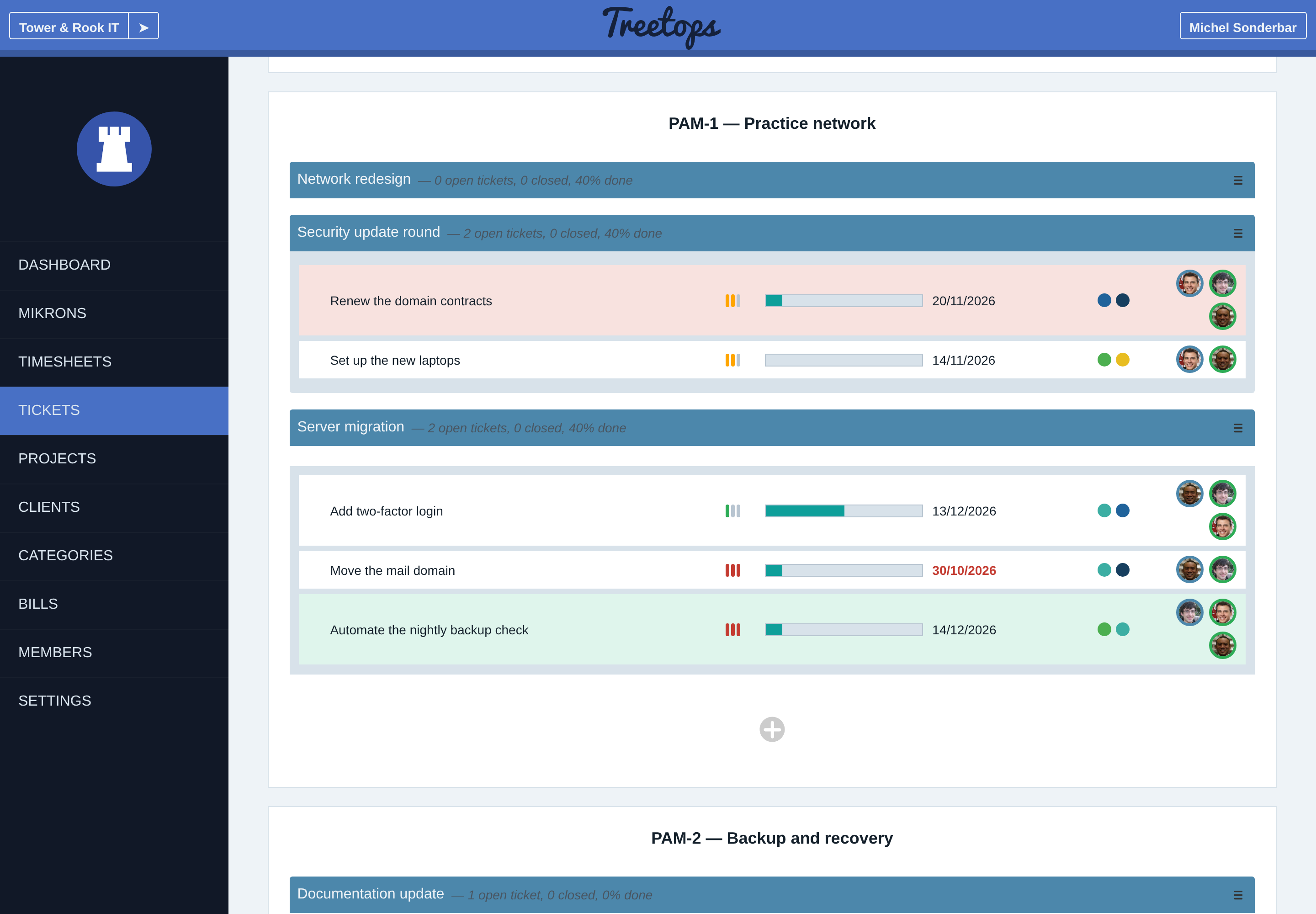
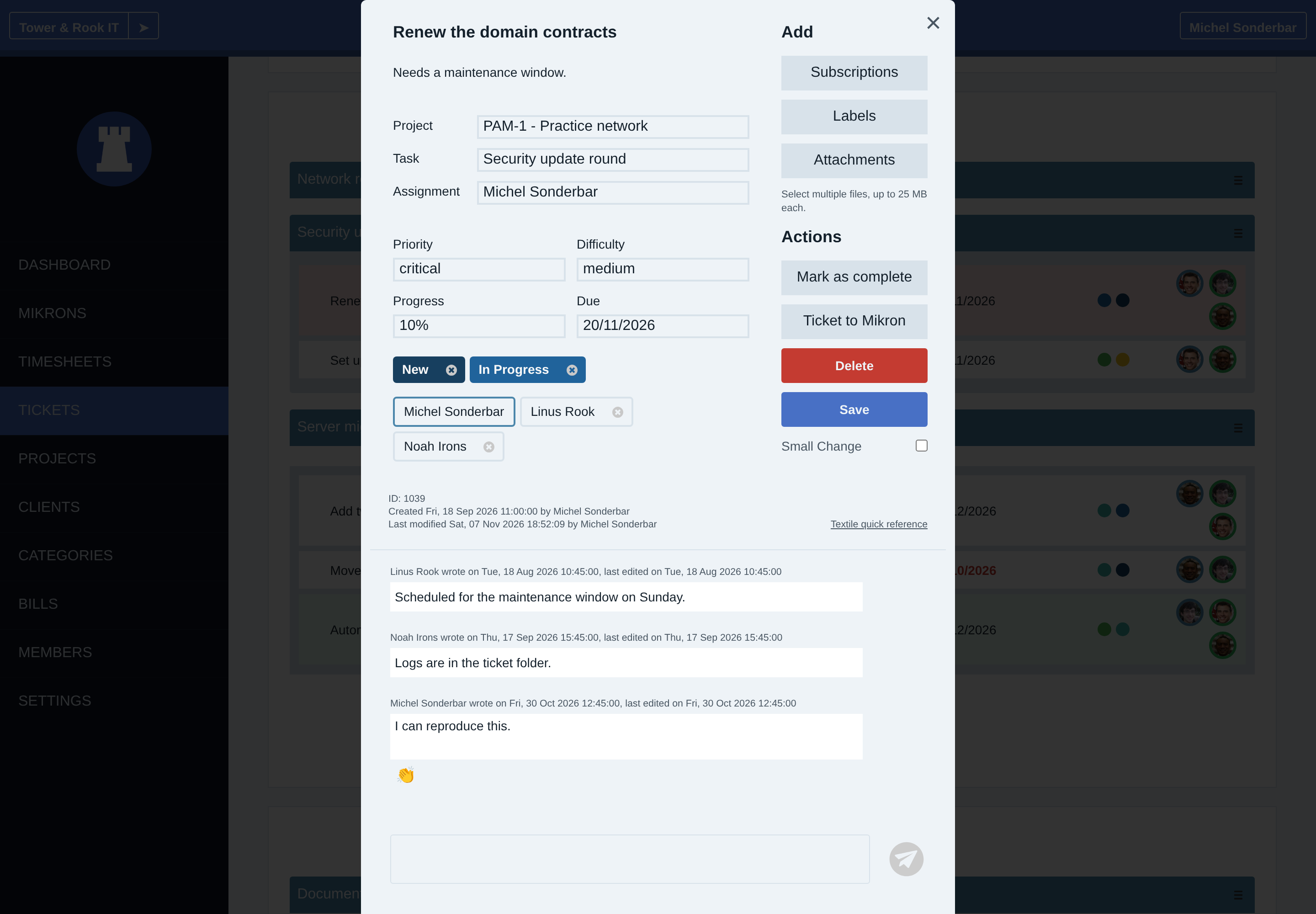
A task is a work package that collects tickets. Assign work, set priorities and due dates, track completion and discuss tickets with comments, labels and attachments.
Work packages and time records
A task groups tickets into a project work package with its own assignment and progress. A ticket can belong to a task or directly to the project. Both tasks and tickets can be assigned to project members.
Time records, called Mikrons, can refer to a task or ticket. Start a time entry from a ticket to record work against it. Time recording and review explains saving that work.
Task completion and target progress
Task completion can be entered manually or calculated from its tickets, including partial progress on open tickets. The label identifies the method. A task can also be completed while keeping its tickets open.
Completion is separate from target progress, which compares recorded work or income with a budget or quota. Projects and Clients explains these targets.
Collaboration and subscriptions
Ticket access has read and write levels, with separate scopes for all project tickets and assigned or subscribed work. Tickets keep formatted descriptions, comments, reactions and supporting files together. File downloads require access to the ticket. Project settings maintain the available labels.
Subscriptions follow task or ticket changes separately from assignment. Subscribers receive email when a ticket or task is created or changed, and when a ticket gets a comment. Assignment notices for new work and due-work reminders also go out by email. Small change suppresses subscriber email for an edit.
The Tickets and Tasks guide explains notification controls and setup. The access guide explains collaboration permissions.
Pinning, filters and sorting
Expand tasks on the Tickets page to see their tickets. Pinned tickets appear before unpinned tickets within each project or task list.
Filter by project, task, ticket or assigned member, and retain selections with saved filters. Quick search narrows the visible work. Sort by due date, priority, difficulty, progress, name or creation and update dates. The archive view shows completed work.
Charts summarize ticket priority, difficulty and overdue status by project or label. The Tickets and Tasks guide covers assignment, time recording and completion.
Guides