
Features
Invoices.
Prepare client or personal invoices from eligible work, expenses and custom items. Set up templates, track issued documents and export electronic invoices.
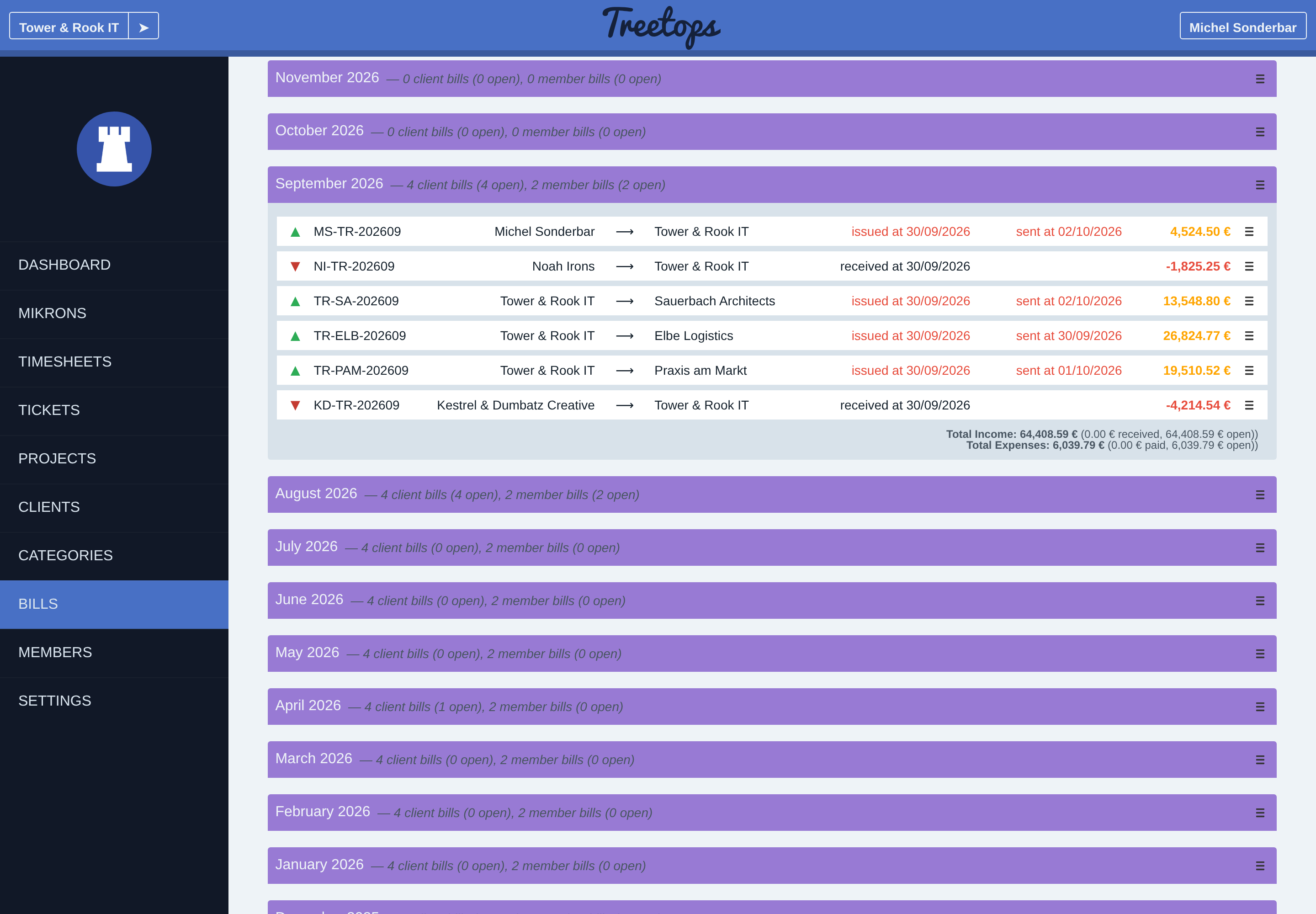
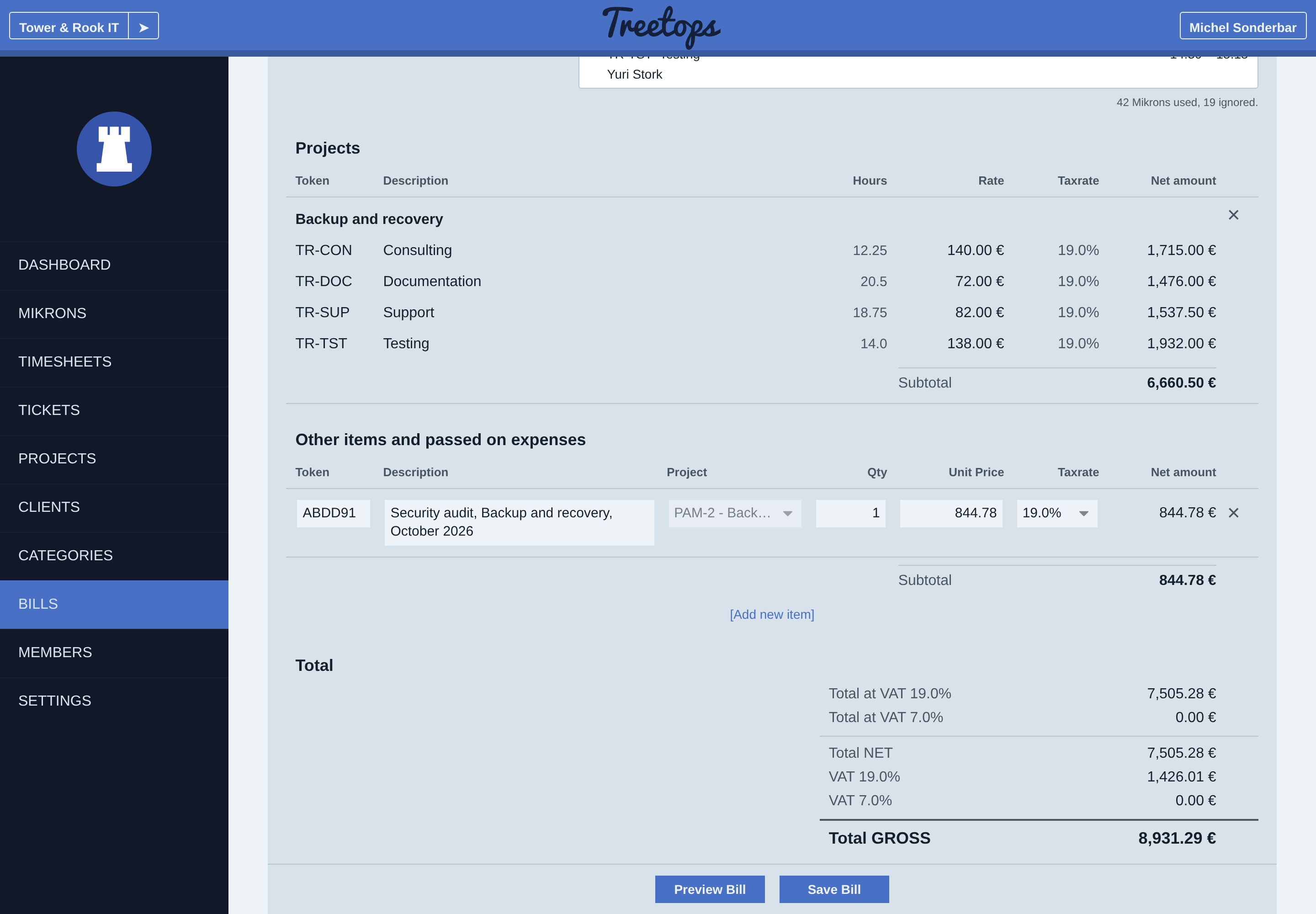
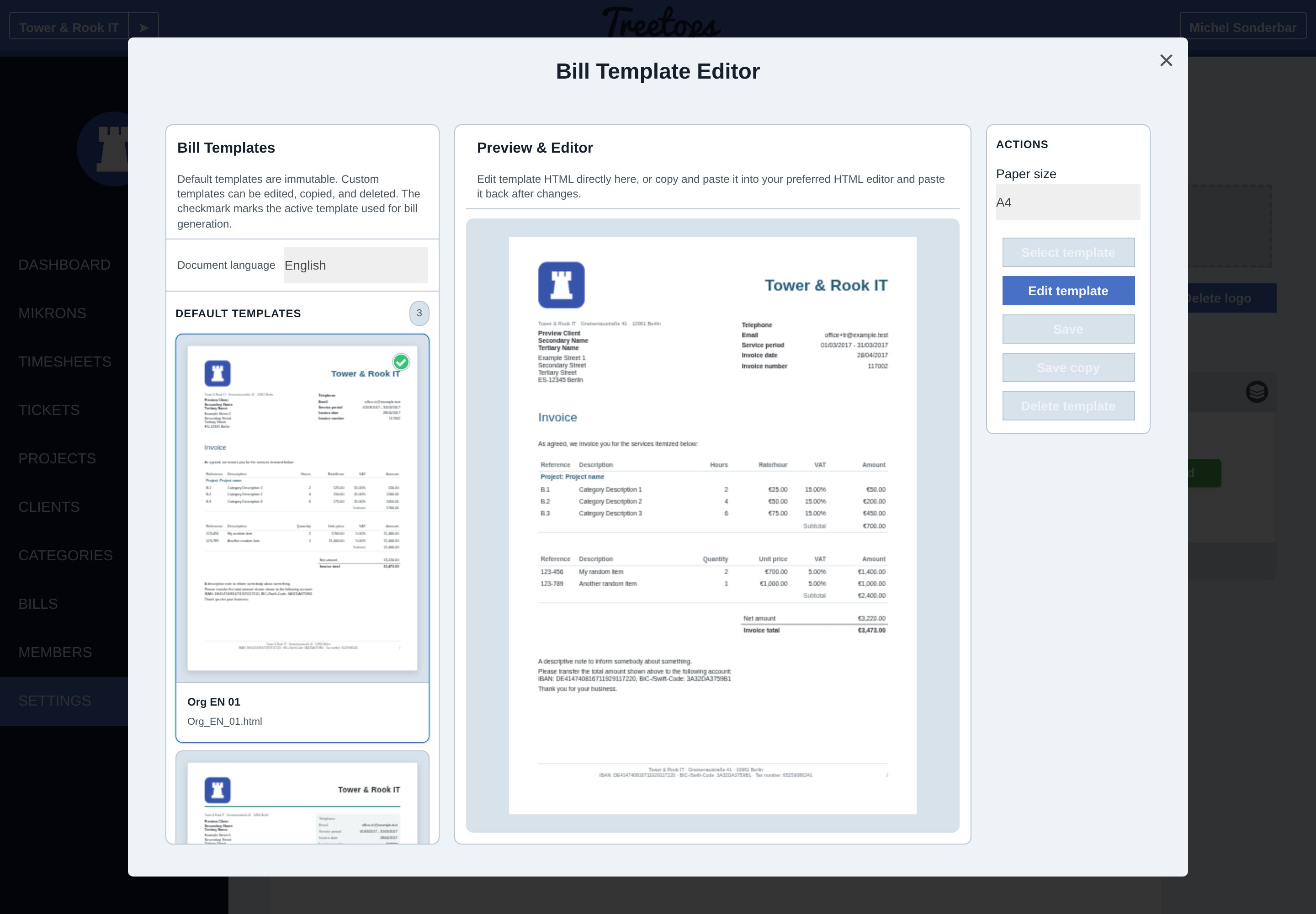
Client and personal invoices
A client invoice goes from an organization to its client. A personal invoice goes from a freelancer to the organization for their own work. These use separate billing layers.
The editor groups a period’s eligible work by project and category. Work must be accepted and available at that layer. Client billing observes required forwarding and host acceptance. Personal billing needs local acceptance. The editor explains blocked work.
Work hours and net line prices round down; VAT rounds to the nearest cent. Where permitted, manual hour overrides replace recorded hours for billing. This option is disabled when forwarding work to that client.
Custom items, expenses and reductions
A custom item has a description, quantity, unit net price, VAT and project allocation. When the client has active billable projects, each saved line needs a valid project.
A recorded expense can be charged at a different amount from its cost. Configured expenses can be proposed automatically in the editor.
A reduction lowers selected positive lines by a fixed amount or percentage before tax. It cannot exceed their subtotal. The editor and item screenshots show unsaved preparation.
Invoice templates and issued documents
An invoice template sets a new document’s layout and language. Organization and personal invoices have separate templates. Copy a preset to edit its HTML, preview it and choose a paper size. Presets remain unchanged.
Organization and personal invoices each have three presets per language: English, German and French. The French presets contain the late-payment notices that French law requires. The template editor shows the templates of one document language at a time.
Settings hold sender, bank and tax details, notes and numbering defaults. Document language is independent of interface language. Number suggestions follow the issue date; duplicate numbers for an issuer are rejected.
Issuing saves the document, language and amounts. Later rate or template edits do not rewrite it. Export a PDF, include a work breakdown or export selected PDFs in a ZIP.
Electronic invoices
An electronic invoice holds the invoice as data a computer can read. A client’s accounting program can import the number, dates, lines and amounts without retyping. Treetops offers three formats:
- ZUGFeRD is a PDF that also contains the data.
- XRechnung is the German format for public bodies.
- Peppol BIS is the format of the European Peppol network.
XRechnung and Peppol BIS are XML data only. Their download is a ZIP with the XML file and a readable PDF of the same invoice.
Choose a default format for your invoices and change it for a client where needed. The editor selects that format and shows the recipient, order and contract references. Each invoice can still use another format or a plain PDF. Treetops checks the invoice when you save it and again when it builds the files.
Cancelling an electronic invoice creates a cancellation document for the full amount. A replacement invoice can then refer to the cancelled one.
Invoice states and payment records
Sent, payer-reported paid and issuer-confirmed received describe separate events. Loss and cancellation have their own states. The cancellation preview explains which claims can be released.
The invoice list separates incoming, outgoing and open documents and supports period browsing. Financial reports retain the issue date after receipt is recorded.
Guides