
Features
Expenses and finances.
Record expenses and other income, account for work and shared costs, and compare income and payments with contracts, milestones and estimated results.
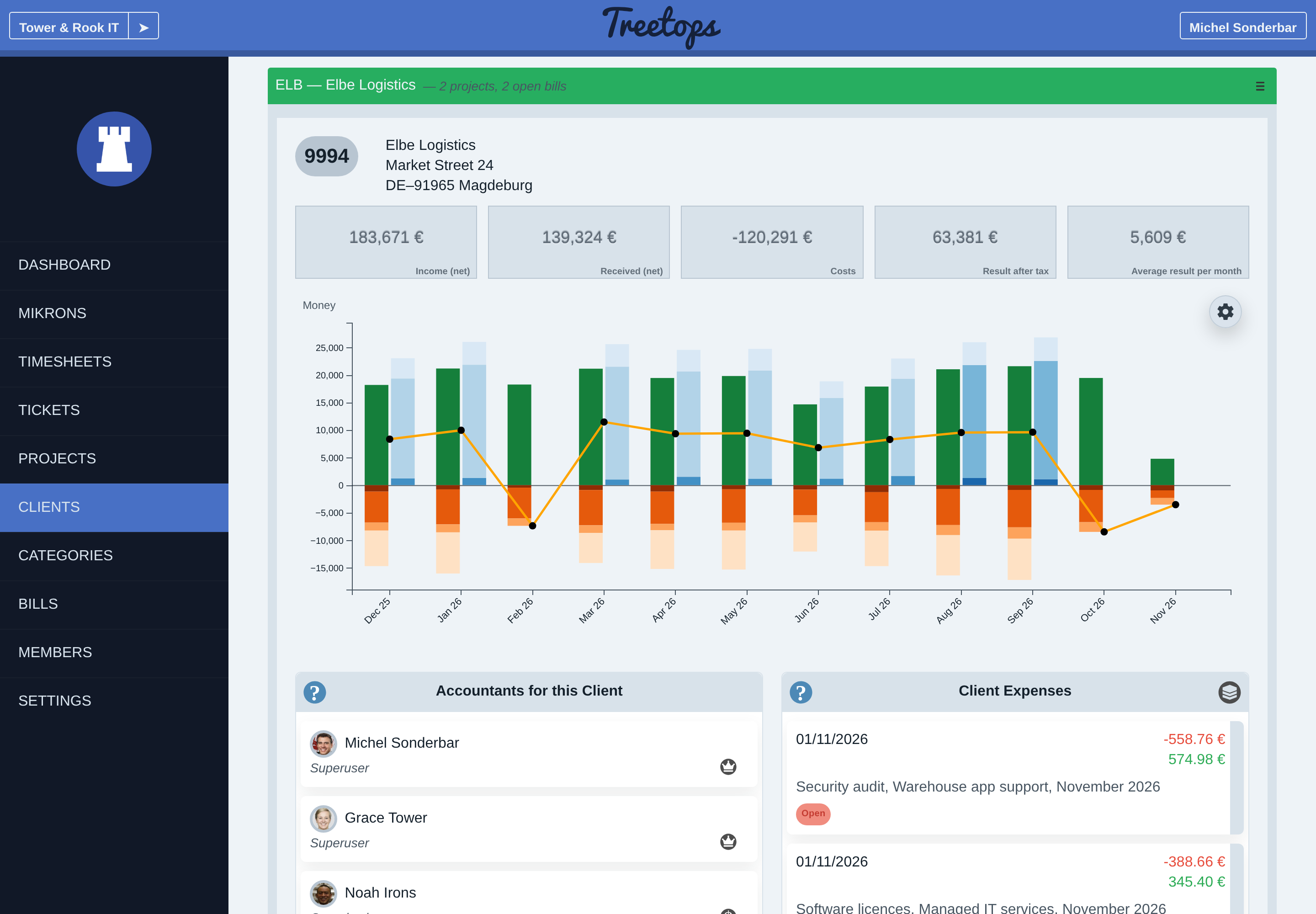
Expenses, other income and salaries
An expense records a cost once or on a daily, monthly, quarterly or yearly cycle. Start and end dates control its reporting period. Recurrence follows the original date.
A client expense belongs to one of that client’s projects. Organization expenses have no client or project.
Other income records organization income outside invoices. Its settings determine whether it contributes to estimated taxable profit.
Dated salary amounts and work schedules value employee work. Organization salary totals and project work costs are separate views. Member rates provide work-cost fallbacks where applicable. Missing salary amounts mark affected costs and results as incomplete.
Expense recovery
Expense recovery is net income from passing a cost on through an issued invoice, after reductions to that expense line. The charge can differ from the original cost.
Processing history shows the linked invoice and state. A proposed charge becomes income only when issued. Recovery follows the issue date; recording receipt changes its outstanding or received classification.
Income, costs and result
Projected work income values recorded work at billing rates. Issued invoice income totals eligible issued amounts, including open invoices. Result after tax is net income less costs, including estimated profit tax. Projected work income stays outside that result.
Authorized readers can inspect organization, client and project charts for a selected period. Summary cards use net amounts. Received invoice income keeps the invoice’s issue date.
Member and category views show work distribution and cost or gain analysis within the reader’s access.
Contracts, milestones and payments
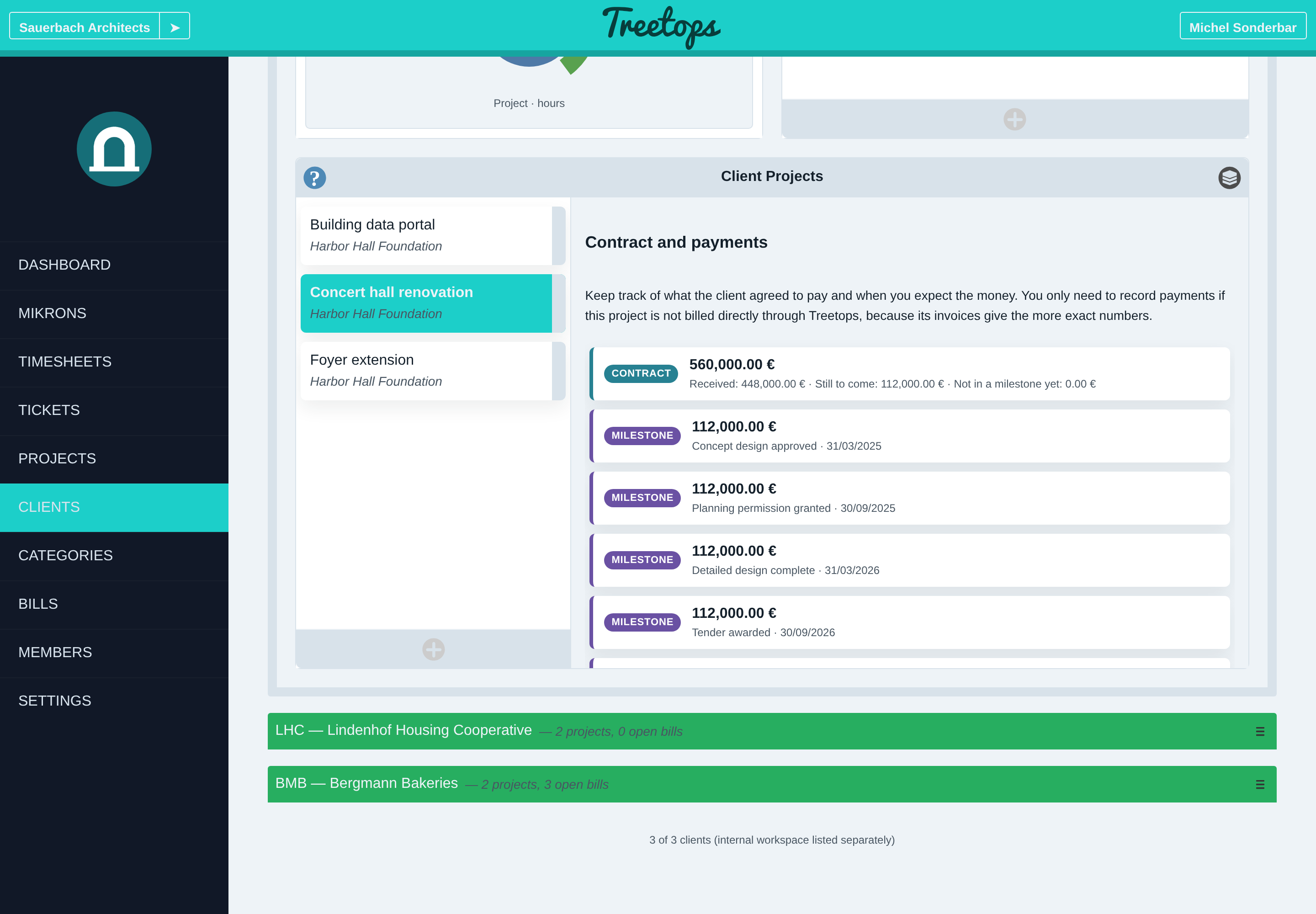
A contract amount is the total a client agreed to pay for a project, without tax. A milestone is a planned part of it. A payment received records money that has arrived for work not billed through Treetops.
One finance chart covers all work. Payments received count as income. Dated milestones have their own column and stay out of income and the result. In the Accumulative style, the contract value and the cost budget appear as lines beside your costs and payments.
A project chart opens on a range that covers its milestones. Summary cards and targets stop at today.
Shared costs, VAT and tax estimates
Shared costs allocate overhead and internal work by each project’s share of billable hours. Costs of a client’s unbillable projects stay within that client. Settings control inclusion; permissions control visible detail.
Reclaimable expense VAT is excluded from cost; non-reclaimable VAT remains a cost. Invoice VAT cancels between income and costs in organization and client charts. Project charts omit it.
A profit-tax estimate applies configured rules to taxable profit or another estimate. A rule can reduce the basis for other estimates. Losses carry forward only within the selected reporting range and do not refund earlier tax.
Guides