
Features
Employee time and leave.
Maintain work schedules, annual leave, sickness and non-working dates. Read informational employee and team reports.
Work schedules and scheduled hours
A work schedule sets expected hours for each weekday over an effective period. Weekends can have hours too.
Scheduled hours apply that schedule and organization non-working dates to each day. Missing or conflicting schedules leave derived values unknown. Recorded hours remain readable.
Changing schedules or their dates changes how existing absences count without replacing the absence records.
Annual leave and sickness
Annual leave entitlement is the entered yearly allowance. Reports separate taken, planned and remaining leave. A new allowance applies to its year and later years until replaced.
Sick leave records illness separately and does not use annual leave. Future sickness entries remain visible but enter totals only when their dates arrive.
Absences use full or half days. A half day is a numerical portion of scheduled time. Absence periods can bridge non-working days, so calendar duration and counted leave can differ.
Non-working days and calendar imports
An organization non-working day sets scheduled hours to zero. Enter dates once or repeat a fixed date annually.
Import selected single-day, all-day events from a local ICS calendar file. The preview lets you check dates before saving.
Working-time balance and reports
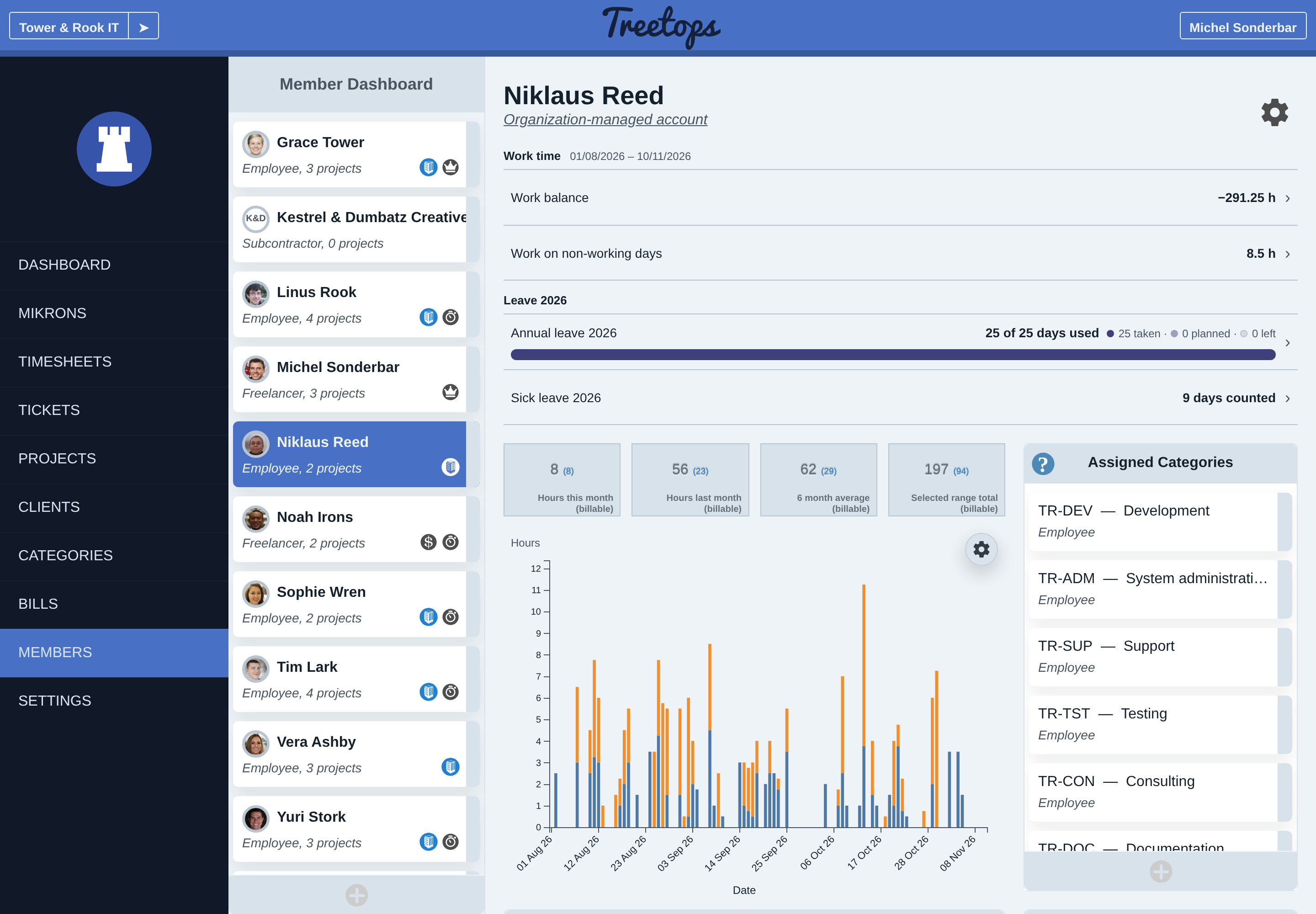
Working-time balance is worked hours plus absence credit minus scheduled hours. Work on known non-working days appears separately.
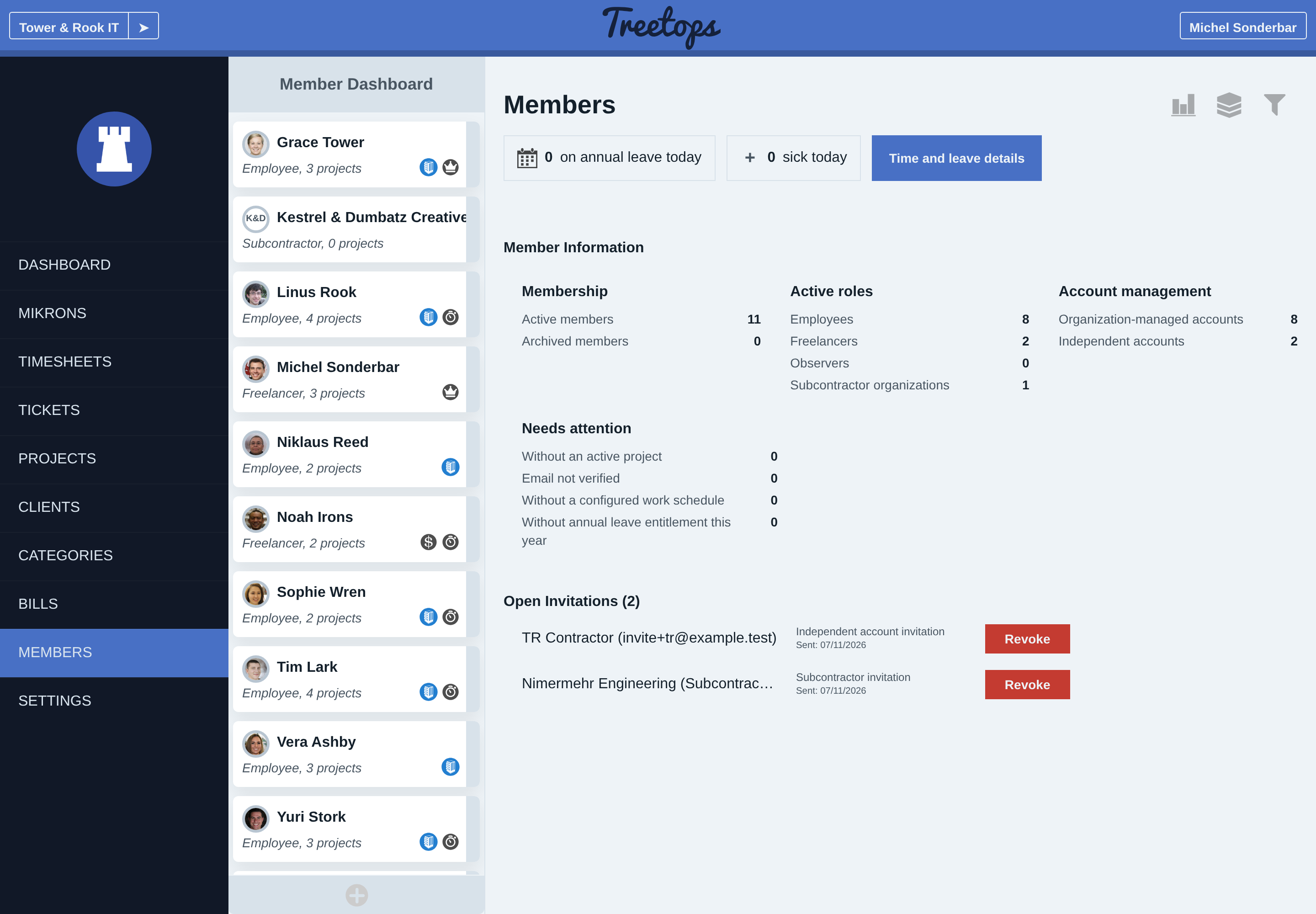
The Members overview shows current and upcoming absences and missing setup.
Team reports select employees, dates, leave year and statuses, including archived employees when selected. Daily details and CSV export help inspect results. Unknown metrics remain marked. Derived figures may use a smaller labelled period with valid schedule data.
Employees can read their own member page through Profile → Organizations. Editing schedules, entitlement or absences requires accounting rights. The guide explains these informational reports, setup and permissions.
Guides